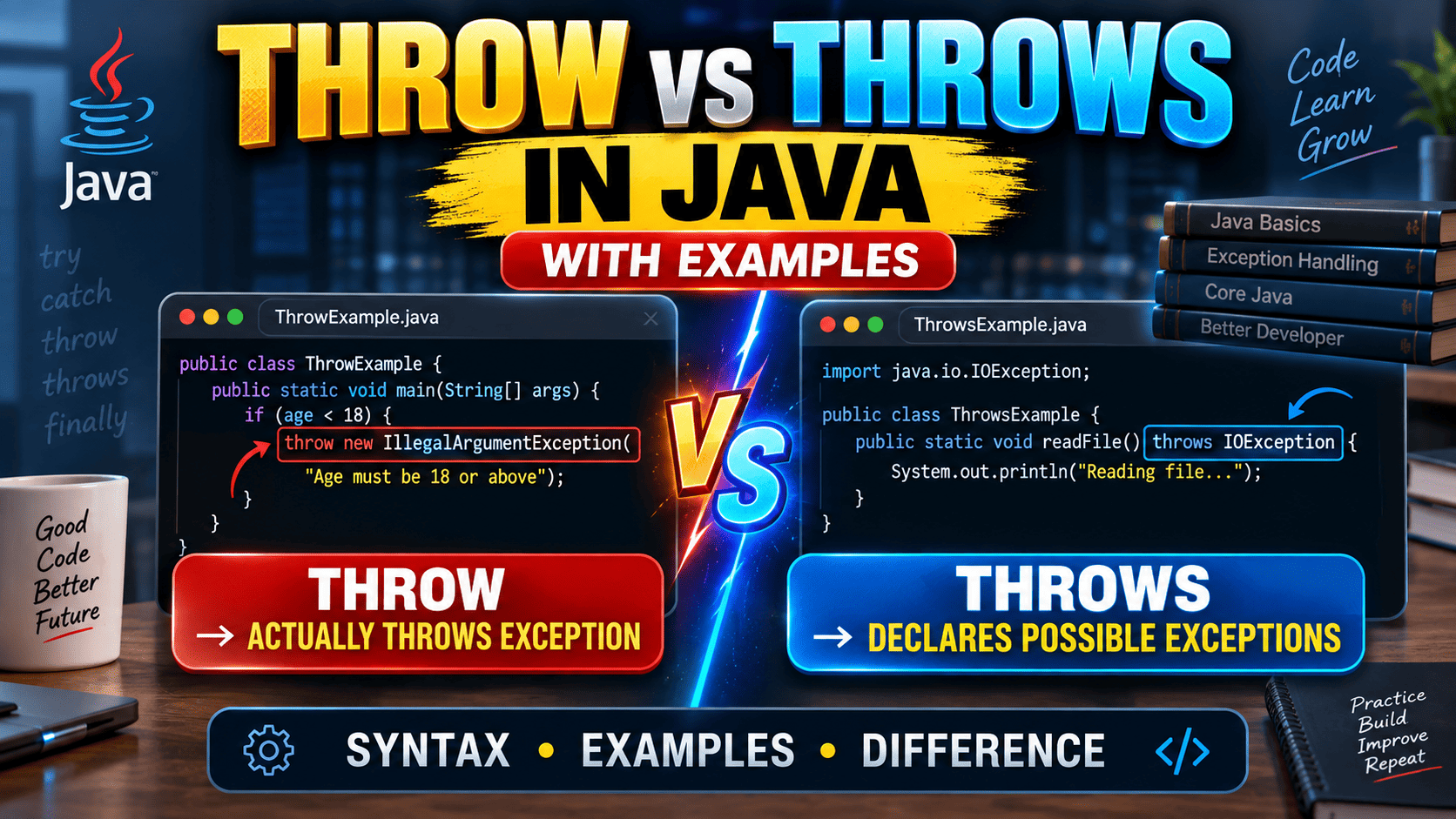
Understanding throw vs throws in Java is important for every Java developer because both keywords are related to exception handling, but they perform completely different jobs. Beginners often confuse them because the words look almost identical. The easiest way to remember the difference is simple: throw is used to actually throw an exception, while throws is used to declare that a method may pass an exception to its caller.
In this guide, we will understand the difference between throw and throws in Java with simple examples, syntax, practical use cases, checked and unchecked exceptions, common mistakes, and interview questions. By the end, you should be able to identify exactly when to use each keyword in a Java program.
What Is Exception Handling in Java?
An exception is an event that interrupts the normal flow of a Java program. It can happen because of invalid input, unavailable files, incorrect calculations, database problems, or other unexpected conditions. Java provides an exception-handling mechanism so developers can deal with these situations in a controlled way.
Java exceptions are represented by objects derived from the Throwable class. When an exception is thrown, Java looks through the call stack for an appropriate handler. If no suitable handler is found, the current thread can terminate because the exception remains uncaught.
Exception handling commonly uses try, catch, finally, throw, and throws. However, each keyword has a different purpose.
What Is the throw Keyword in Java?
The throw keyword is used when you want to explicitly throw an exception from a particular point in your program. In other words, throw is used to create an exception situation intentionally when a particular condition is not acceptable.
The basic syntax is:
throw new ExceptionType("Error message");For example:
public class Main {
    public static void main(String[] args) {

        int age = 15;

        if (age < 18) {
            throw new IllegalArgumentException("Age must be 18 or above");
        }

        System.out.println("Eligible to vote");
    }
}
Here, the program checks the value of age. When the value is less than 18, the throw statement explicitly creates and throws an IllegalArgumentException.
The important point is that throw works with an actual exception object. The object must be a Throwable or one of its subclasses.
What Is the throws Keyword in Java?
The throws keyword is used in a method declaration. It tells the caller that the method can potentially pass one or more exceptions to the code that calls it.
The basic syntax is:
returnType methodName() throws ExceptionType {
    // method body
}
For example:
import java.io.IOException;

public class FileExample {

    static void readFile() throws IOException {
        System.out.println("Reading file...");
    }

    public static void main(String[] args) throws IOException {
        readFile();
    }
}
In this example, readFile() declares IOException using the throws keyword. The method does not necessarily throw the exception at that exact statement. Instead, the declaration communicates that the method may allow that exception to propagate to its caller.
Throw vs Throws in Java
The biggest difference between throw and throws is their purpose. The throw keyword performs the action of throwing an exception, whereas throws communicates possible exceptions at the method level.
| Feature | throw | throws |
|---|---|---|
| Purpose | Actually throws an exception | Declares possible exceptions |
| Used with | An exception object | Exception class names |
| Location | Inside method or code block | Method declaration |
| Number of exceptions | Normally one object at a time | Can declare multiple exception types |
| Main role | Perform exception throwing | Pass responsibility to caller |
Simple Example of throw in Java
Consider a banking application. A withdrawal should not be allowed when the requested amount is greater than the available balance.
public class BankAccount {

    static void withdraw(double balance, double amount) {

        if (amount > balance) {
            throw new IllegalArgumentException(
                "Insufficient balance"
            );
        }

        System.out.println("Withdrawal successful");
    }

    public static void main(String[] args) {
        withdraw(5000, 7000);
    }
}
The throw keyword is useful here because the program itself detects an invalid business condition. Instead of continuing with an incorrect transaction, it explicitly throws an exception.
Simple Example of throws in Java
A common example of throws involves file handling. Operations involving files can produce checked exceptions, so a method can declare the exception and allow another method to handle it.
import java.io.FileReader;
import java.io.IOException;

public class FileDemo {

    static void openFile() throws IOException {
        FileReader reader = new FileReader("data.txt");
        reader.close();
    }

    public static void main(String[] args) {
        try {
            openFile();
        } catch (IOException e) {
            System.out.println("Unable to open the file");
        }
    }
}
Here, openFile() declares IOException using throws. The caller handles that exception using a try-catch block.
Can We Use throw and throws Together?
Yes. In fact, using throw and throws together is common when a method intentionally generates an exception but leaves the responsibility for handling it to the caller.
public class Validation {

    static void checkAge(int age) throws Exception {

        if (age < 18) {
            throw new Exception("Age must be 18 or above");
        }

        System.out.println("Valid age");
    }

    public static void main(String[] args) {

        try {
            checkAge(16);
        } catch (Exception e) {
            System.out.println(e.getMessage());
        }
    }
}
In this example, throw actually creates and throws the exception. The throws clause tells the caller that the method can pass an Exception to it.
throw vs throws With Checked Exceptions
The difference becomes especially important with checked exceptions. Java requires checked exceptions to be either caught or declared by the method. This is commonly called the catch-or-specify requirement.
For example:
import java.io.IOException;

class Demo {

    static void test() throws IOException {
        throw new IOException("File operation failed");
    }

}
The throw statement creates the actual exception event, while throws IOException declares that the method can pass that checked exception to its caller.
This distinction is one of the most important concepts to understand when learning Java exception handling.
Can throw Be Used With Runtime Exceptions?
Yes. You can explicitly throw unchecked exceptions such as IllegalArgumentException, NullPointerException, or other subclasses of RuntimeException.
static void setAge(int age) {

    if (age < 0) {
        throw new IllegalArgumentException(
            "Age cannot be negative"
        );
    }
}
Because IllegalArgumentException is an unchecked exception, the compiler does not require the method to declare it using throws. You can still declare it if doing so improves the documentation of your API, but it is not required.
Can throws Declare Multiple Exceptions?
Yes. A method can declare multiple exceptions in its throws clause. The exception types are separated by commas.
static void processFile()
        throws IOException, ClassNotFoundException {

    // File and class processing code
}
This tells callers that the method may pass either of these exception types. Multiple exception declarations can be useful when a method performs several operations that may fail in different ways.
Common Mistakes With throw and throws
1. Using throws Inside a Method Body
This is incorrect because throws belongs in the method declaration.
// Incorrect
void test() {
    throws IOException;
}
The correct approach is:
void test() throws IOException {
    // code
}
2. Using throw Without an Exception Object
The throw statement needs an appropriate throwable object.
// Incorrect
throw IOException;
A valid form is:
throw new IOException("File error");3. Thinking throws Handles an Exception
throws does not handle an exception. It only declares that a method may pass an exception to its caller. Actual handling can be performed using mechanisms such as try and catch.
throw vs throws: Easy Trick to Remember
If you keep forgetting the difference, use this simple rule:
throw = action
throws = declaration
When your code says, “I want to send this exception right now,” use throw.
When your method says, “This method may pass this exception to whoever calls me,” use throws.
For example:
throw new IOException("Something went wrong");means the exception is being explicitly thrown.
void readData() throws IOExceptionmeans the method declares that it may pass an IOException to its caller.
Why throw and throws Are Important in Java
Good exception handling makes Java applications easier to understand, debug, maintain, and use. The throw keyword lets developers enforce validation rules and explicitly signal invalid conditions. The throws keyword makes exception-related behavior visible in a method’s interface.
This becomes particularly important in large applications where one method may call another method several layers deeper in the application. Instead of hiding every possible failure inside one method, developers can decide where an exception should be handled and where it should be propagated.
Understanding this distinction also helps when working with Java frameworks, APIs, file operations, database operations, and enterprise applications.
Frequently Asked Questions
What is the main difference between throw and throws in Java?
throw is used to explicitly throw an exception object, while throws is used in a method declaration to specify exceptions that the method may pass to its caller.
Can throw and throws be used together?
Yes. A method can use throw to explicitly generate an exception and throws to declare that the method may pass that exception to its caller.
Can throws be used for multiple exceptions?
Yes. Multiple exception types can be declared in a throws clause by separating them with commas.
Is throws mandatory for unchecked exceptions?
No. Runtime exceptions and other unchecked exceptions do not have to be declared using throws. However, a developer may still declare them when it makes an API easier to understand.
Is throw a keyword in Java?
Yes. Both throw and throws are Java keywords used as part of the language’s exception mechanism.
Conclusion
The difference between throw and throws in Java is simple once you understand what each keyword is responsible for. throw is used to explicitly throw an exception object from the program. throws is used in a method declaration to tell callers that the method may pass one or more exceptions to them.
Remember the shortest definition: throw actually throws an exception; throws declares possible exceptions. Once this distinction is clear, Java exception handling becomes much easier to understand and apply in real programs.
- Java OOP Concepts Explained with Real Examples — OOP/Java fundamentals wale paragraph mein link karo. Java OOP Concepts Explained with Real Examples
- Java Programming for Beginners: Complete Guide to Learn Java Step by Step — beginner introduction wale section mein link karo. Java Programming for Beginners: Complete Guide to Learn Java Step by Step
- Oracle Java Documentation – How to Throw Exceptions Oracle Java Documentation – How to Throw Exceptions
- Oracle Java Documentation – Specifying Exceptions Thrown by a Method Oracle Java Documentation – Specifying Exceptions Thrown by a Method